Otherwise, please select your country so we can show you products & currency for your location
The content of our website is always available in English and partly in other languages. Choose your preferred language and we will show you the content in that language, if available.
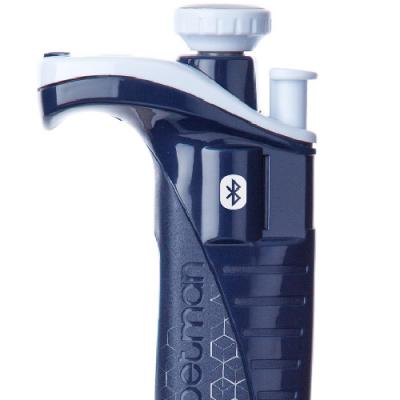
The Gilson Connect platform allows you to step away from the repetitive steps of pipetting so you can focus on the science. This infographic show you how to use connected products at the bench with just 10 simple steps.
At Gilson, we know how important data protection and storage is to the integrity of your research. Because of this, we’ve built a secure platform for our TRACKMAN® Connected based on technology and industry best practices - learn how in this educational infographic.
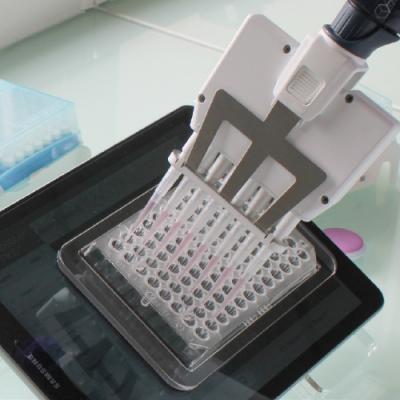
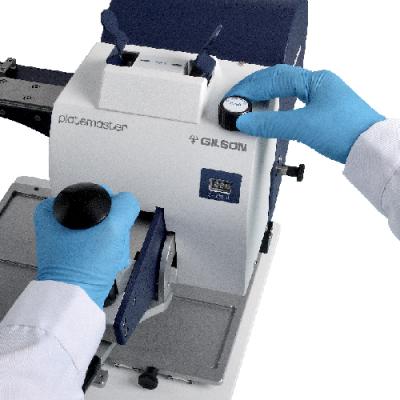
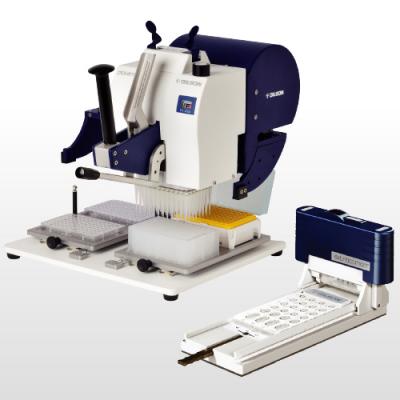
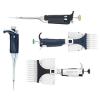
Next generation sequencing (NGS) became essential in routine HLA typing due to its efficiency in the context of resolution, costs, and throughput. To understand the required pipetting steps during NGS library preparation, we integrated the manual 96-channel pipetting system PLATEMASTER into our NGS workflow.
The appearance of Repetitive Strain Injuries (RSIs) has multiple origins. Individual, psychological, and biochemical factors can act together and sometimes converge simultaneously to create RSIs. Follow this guide to help protect yourself from strain and injury.
CRISPR (Clustered Regularly Interspaced Short Palindromic Repeats) technology has been used to create useful animal models for studying complex diseases, as well as correcting or inducing disease states within a cell. This technical note describes how PLATEMASTER and EXTRACTMAN can be used in the rapid enrichment and clonal selection of CRISPR modified cells.
This application note describes a comparison of a conventional Co-IP protocol with an EXTRACTMAN® protocol using ESP technology. While the conventional Co-IP protocol did not pull down the protein-protein complex, EXTRACTMAN did, demonstrating the utility of ESP technology and EXTRACTMAN.
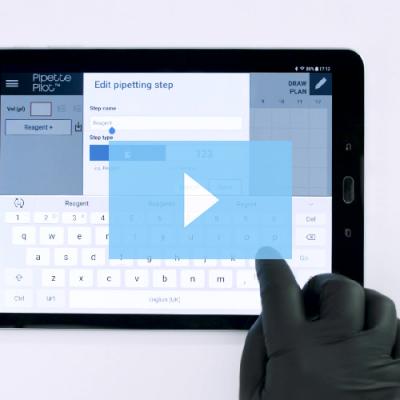
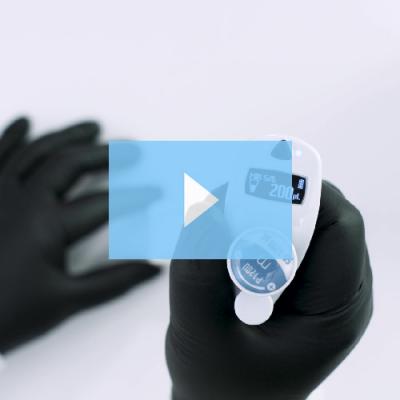
There are two basic ways to create a plan with PipettePilot®: draw your own plan or create a quick plan. Learn how to create a Quick Plan by watching this video.